Blog
What Is Clawdbot? Why This Viral AI Agent Is the Future of Work
What Is Clawdbot? Why This Viral AI Agent Is the Future of WorkStart writing...ClawdBot (also called Clawdbot, now known as Moltbot) is a personal AI assistant that runs on your own computer. Unlike normal chatbots, ClawdBot can do real tasks like managing files, sending messages, and automating daily work.It’s private, powerful, and easy to use.What Is ClawdBot Used For?People use ClawdBot to save time and automate work.You can use it to:Reply to messages automaticallyManage emails and calendarsRun commands on your computerOrganize filesAutomate repetitive tasksControl apps and browsersWhat Is ClawdBot AI?ClawdBot AI connects with smart AI models like Claude or GPT and gives them the power to take actions, not just chat.Because it runs on your system:Your data stays privateNo cloud storageNo data sharingIs ClawdBot Free?Yes, ClawdBot is free and open-source.You only pay if you choose a paid AI service.Otherwise, you can use it completely free.How to Use ClawdBot (Simple Setup Guide)You don’t need technical skills. Just follow these steps:Step 1: Install ClawdBotInstall the CLI (recommended) curl -fsSL https://openclaw.bot/install.sh | bash Alternative (global install): npm install -g openclaw@latest pnpm add -g openclaw@latestalso follow Click on More info on DocsStep 2: Open the Dashboard After install, open the local dashboard in your browser.Step 3: Connect Chat Apps Link WhatsApp, Telegram, or Discord to talk to your AI assistant.Step 4: Choose AI Model Select Claude, GPT, or another supported AI.Step 5: Start Chatting Send a message — ClawdBot is ready to work.Why People Love ClawdBotRuns on your own computerWorks inside chat appsRemembers your preferencesAutomates real workFully private and secureWho Should Use ClawdBot?ClawdBot is perfect for:DevelopersBusiness ownersFreelancersStudentsAnyone who wants to save timeClawdBot is not just an AI chatbot — it’s an AI assistant that actually works.Unlike traditional chatbots that only answer questions, ClawdBot can take real actions on your behalf. It can manage files, run commands, connect with chat apps, automate daily tasks, and remember your preferences over time. Instead of just talking, ClawdBot helps you get things done by acting like a real digital assistant. This makes it useful not only for developers, but also for business owners, students, and anyone who wants to save time and work more efficiently.
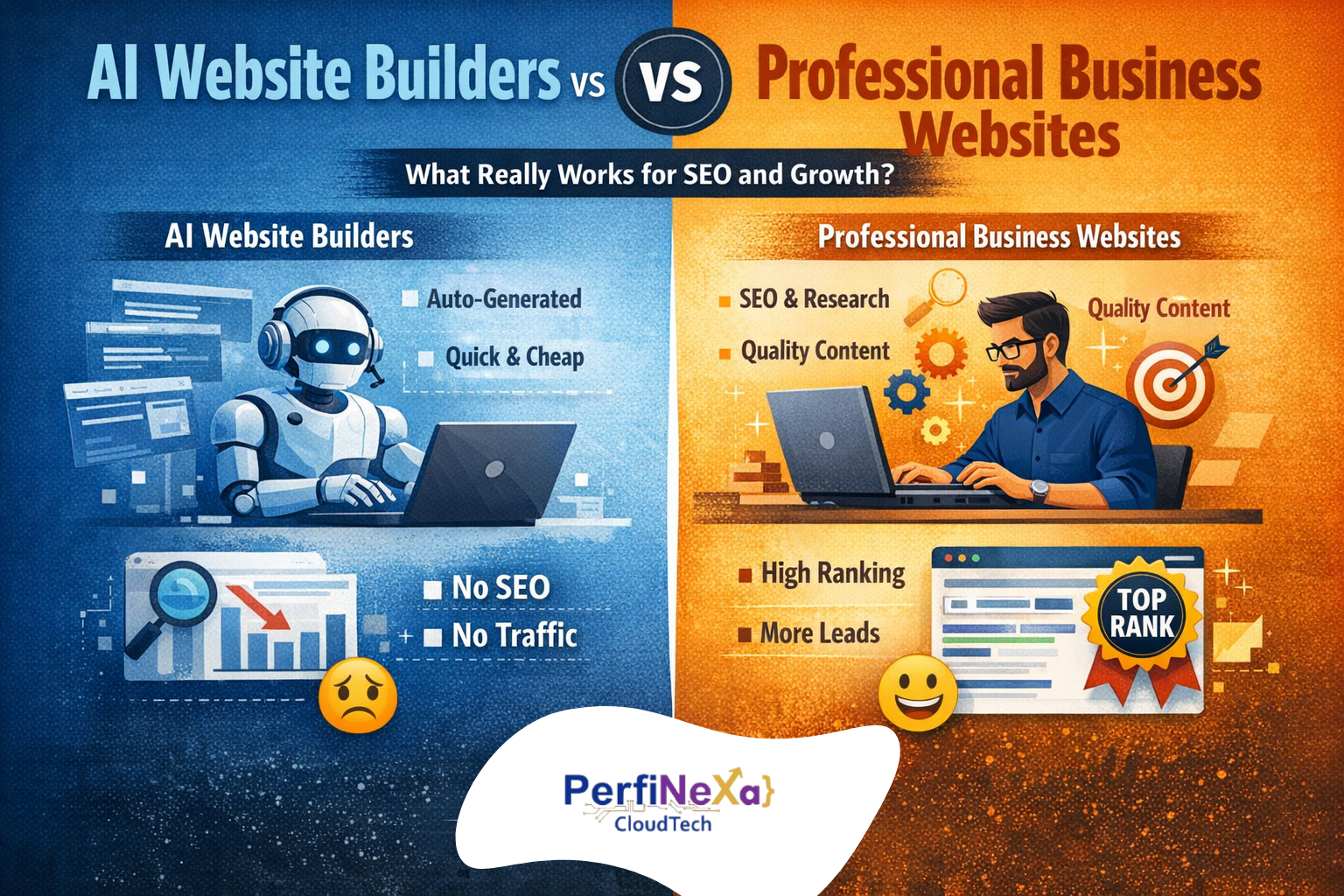
Why AI Website Builders Fail at SEO and How Professional Websites Drive Real Traffic
AI-Built Websites vs Business-Ready Websites: What Really Brings Clients?In today’s digital world, building a website has become easier than ever. With the rise of AI website builders, anyone can create a visually appealing website within an hour. There are dozens of tools that promise “instant websites” at a very low cost—and many businesses choose this route.But the real question is:Does a website built in one hour actually help your business grow?The Reality of AI Website BuildersAI tools are excellent at one thing: designing good-looking websites quickly. They generate layouts, images, and sections automatically. But a website is not just about UI. Most AI-built or low-cost vendor websites suffer from major issues such as. No proper market or competitor research, Missing or weak SEO structure, Poor keyword optimization, Heavy images with no optimization, Missing metadata, alt tags, and schema, Content that looks good but does not rank on GoogleAs a result, the website exists—but no one finds it.Why Most Business Owners Feel Their Website Is “Useless”Many business owners say:“We built our website, but we are not getting any clients from it.”The website itself is not the problem. The approach is. Most businesses build websites. At the lowest possible cost, From vendors who rely only on AI tools, Without understanding the purpose of the website. A business website is built to, Showcase products or services, Build trust, Generate leads and Appear on top of Google search resultsIf your website does not rank on Google, it cannot bring clients—no matter how good it looks.SEO Is Not Optional — It’s the BackboneYour competitors are not just building websites. They are building Search-Optimized Websites.They invest in:Keyword researchCompetitor analysisContent strategyTechnical SEOPage speed optimizationUser intent-based contentThat’s why their websites appear on the first page of Google, and yours doesn’t. A website without SEO is like a shop in a hidden alley—no visibility, no customers.Fast Website vs Quality WebsiteYes, a website can be built:Within 2 daysOr within a monthThe difference is not time—it’s quality.How Perfinexa Cloudtech Builds Business WebsitesAt Perfinexa Cloudtech, we don’t just “build websites”—we build business growth systems. Our website development process covers:Business & competitor researchKeyword & SEO strategyHigh-quality, SEO-optimized contentClean backend & performance optimizationGoogle ranking & lead generation focusWhether it takes 2 days or 30 days, we ensure your website is built for visibility, credibility, and conversions.Conclusion :AI can help you build a website fast—but only expertise can make it work for your business. If your goal is not just to have a website, but to get clients from it, then build it with developers who understand why websites are built and how businesses grow online.👉 Perfinexa Cloudtech — Websites that rank, convert, and grow your business.
Java Cloud-Native Development
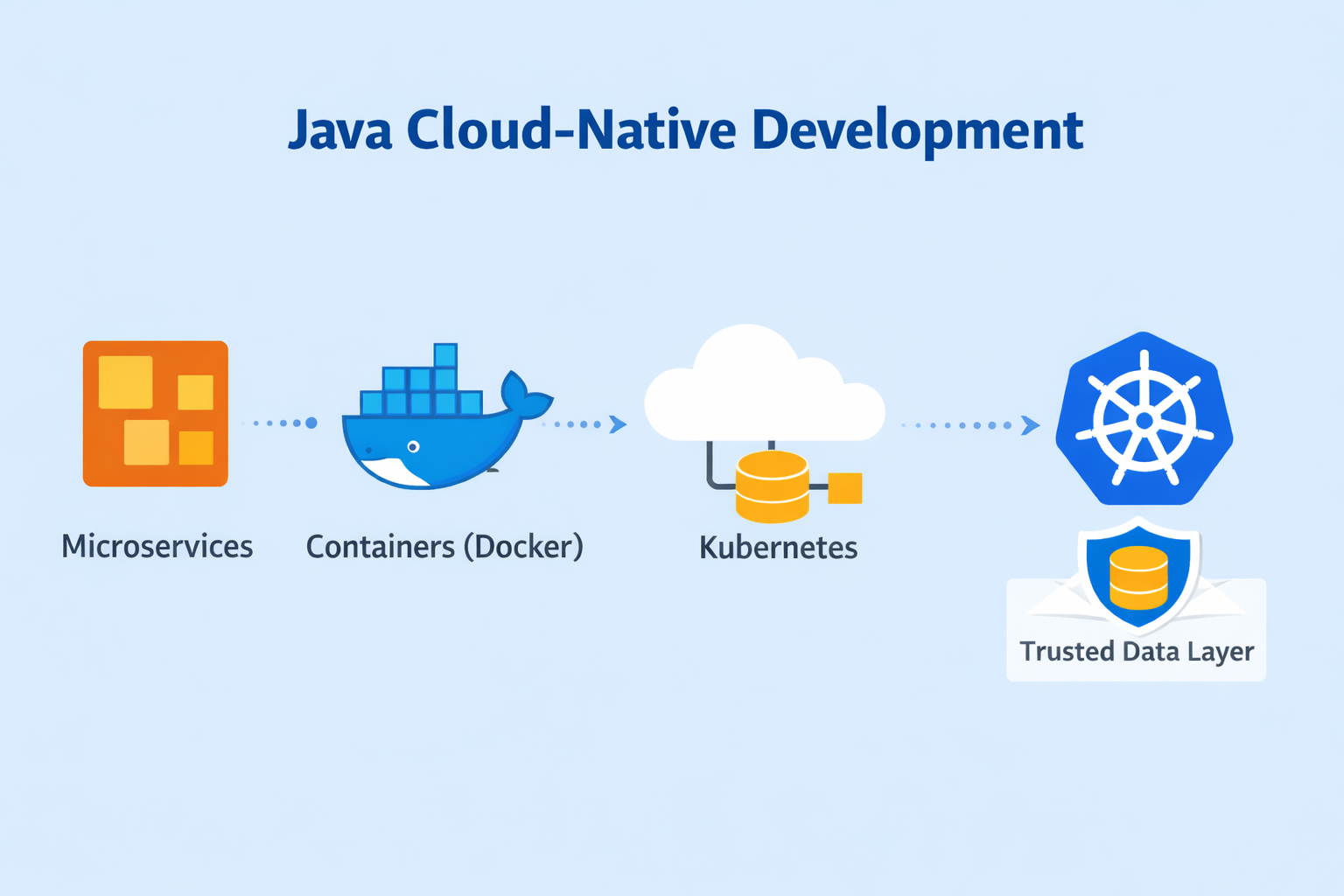
🌐 Java Cloud-Native DevelopmentCloud-native development is transforming how modern applications are built and deployed. Instead of creating apps for traditional servers, developers now design applications that live and thrive in the cloud. And when combined with Java, this approach becomes powerful, scalable, and enterprise-ready.What is Cloud-Native?Cloud-native means building applications that are:Portable – Run on any cloud (AWS, Azure, GCP)Scalable – Handle growing traffic easilyResilient – Recover quickly from failuresAutomated – Deploy and update without downtimeWhy Java for Cloud-Native?Java is a top choice for cloud-native apps because:It’s mature and reliableHas powerful frameworks like Spring BootWorks seamlessly with containers and orchestration toolsSupported by a huge developer community Key Building BlocksHere’s what makes an app truly cloud-native:🔹 Microservices ArchitectureBreak your big app into small independent services 🧩. Each service does one job (e.g., login, payment).🔹 Containers (Docker 🐳)Package your app with all dependencies into a container—like a lunchbox 🍱. This makes it portable across environments.🔹 Kubernetes ⚙️If you have many containers, Kubernetes is the manager 👨💼 that organizes them, handles scaling, and ensures reliability.🔹 Cloud Services ☁️Instead of buying big servers, rent space in the cloud for storage, databases, and more.How It Works1️⃣ Build your app in Java using Spring Boot 🌱2️⃣ Put it in a Docker container 🐳3️⃣ Deploy it on Kubernetes ⚙️4️⃣ Connect to cloud services ☁️ like databases and storage5️⃣ Scale easily when more users join 📈 Benefits✔ Runs anywhere (any cloud)✔ Easy to scale 🔝✔ Faster updates ⚡✔ Reliable and secure 🔐
How to Start a Career in Salesforce: A Beginner’s Guide for Students
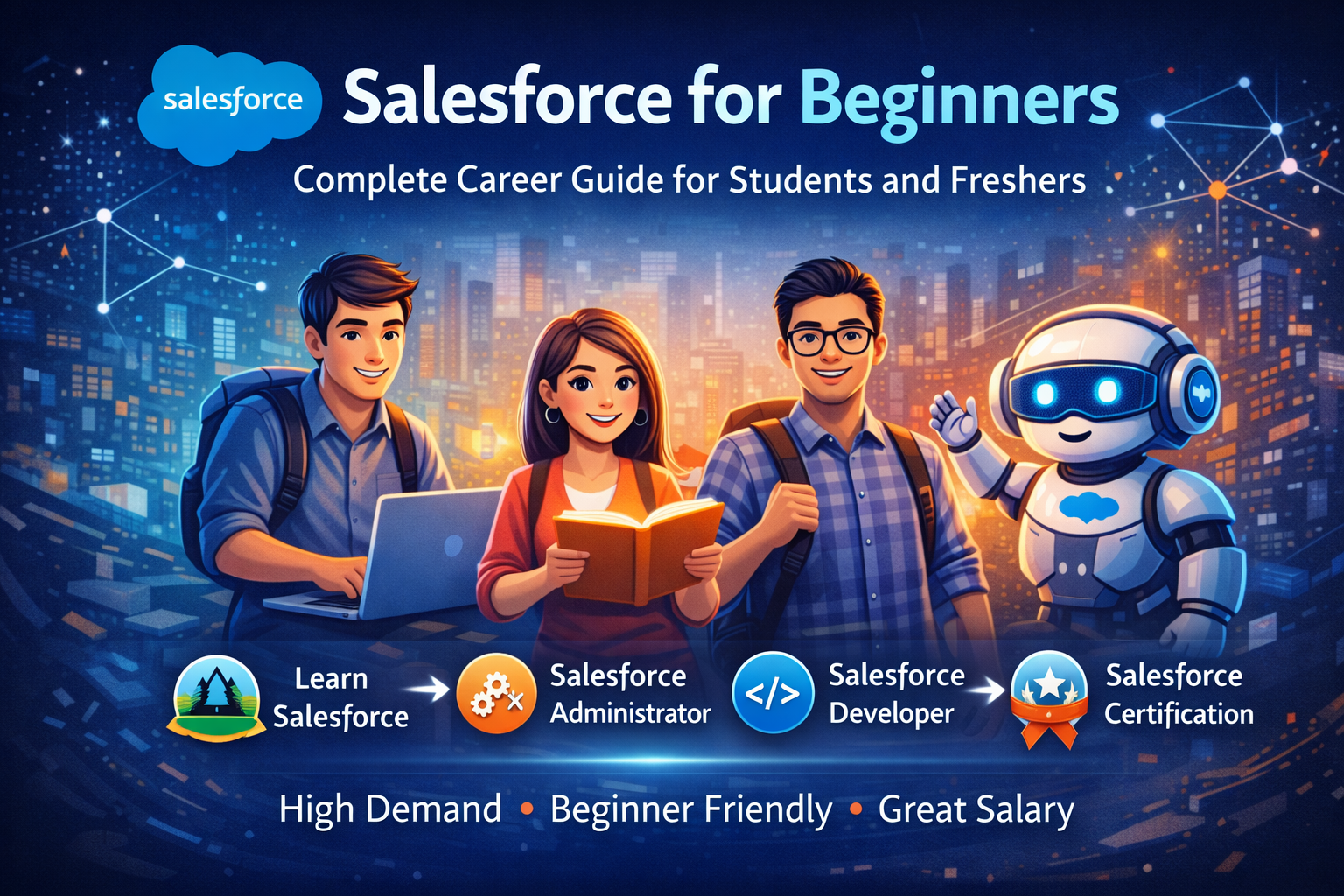
Salesforce for Beginners: Complete Career Guide for Students and FreshersSalesforce Overview for BeginnersSalesforce is one of the most popular cloud platforms in the world and a top career choice for students and freshers. If you are new to Salesforce and looking for a clear starting point, this guide will help you understand what Salesforce is, why it is important, and how to start your Salesforce Journey.This beginner-friendly Salesforce guide is written especially for Students, non-IT Graduates, and Freshers who want to Start their career in Salesforce without confusion.What Is Salesforce?Salesforce is a #1 CRM and cloud-based Customer Relationship Management (CRM) platform that helps companies to manage their customers, sales, support, and business data in one system. Instead of using Excel or manual processes, businesses use Salesforce to store data securely, automate their tasks, and track performance in real time. Because Salesforce is cloud based platform, users can access it anytime, anywhere.Why Should Freshers Learn Salesforce?Salesforce skills are in high demand across all industries such as IT, healthcare, finance, education, and real estate. Many companies prefer Salesforce professionals because the platform helps them build their system fast, grow faster and work smarter.For students and freshers, Salesforce offers:Entry-level jobsFast career growthOpportunities all over the worldHighest Packages Salesforce is also beginner-friendly, making it a great option even for non-technical students and freshers.Salesforce Career for BeginnersSalesforce provides multiple career paths depending on your interest and skills.A Salesforce Administrator role is best for beginners. Admins have to handle users, data, reports, security, and automation using mostly no-code tools. The Salesforce Developer role is for those who are interested in coding. Developers work on Apex, Lightning Web Components (LWC), and integrations. Others roles include Salesforce Consultant, Business Analyst, and Architect as you gain experience.How Salesforce Works : Salesforce works like a digital system where business data is organized and automated.Objects store data (like tables)Fields store information (like columns)Records are individual entries (like rows)Reports and Dashboards show insightsAutomation reduces manual workSalesforce also ensures data security by Managing what each user can see and do.How to Start Learning Salesforce :To begin learning Salesforce, create a free Salesforce Developer Account. This account allows you to practice Salesforce without any cost and gives you to access maximum technologies for free like Agentic AI.Next, use Salesforce Trailhead, the official learning platform to everyone. Start with Salesforce basics, data modeling, security, reports, and automation using Flow. Trailhead is designed for beginners and offers hands-on learning on Modules and Projects. No, coding is not required initially. Salesforce is a low-code and no-code platform, which means you can build solutions using clicks instead of code. Once you are proficient with Salesforce Admin concepts, you can later learn and start work on Apex and LWC if you want to become a Salesforce Developer.Importance of Hands-On PracticeHands-on practice is the key to learning Salesforce effectively. Practice by creating objects, workflows, reports, and dashboards in your developer org. Beginner-friendly projects like a Student Management System, Cafe Management System, or Lead Tracking App that will help you to understand real-world Salesforce usage and improve your confidence by getting hands on Trailhead challenges.Salesforce Certifications for FreshersSalesforce certifications helps freshers prove their skills and improve job opportunities. The Salesforce Administrator Certification is the best certification for beginners. Certifications show recruiters that you have gained practical knowledge and are committed to your Salesforce career.Conclusion Salesforce is an excellent career option for students and freshers who want to enter in the IT industry. With high in demand, strong career growth, and beginner-friendly learning paths, Salesforce offers long-term opportunities in IT career.Start learning Salesforce today, practice consistently, and stay connected with the Salesforce community. With dedication and the right guidance, you can build a successful career in Salesforce.